

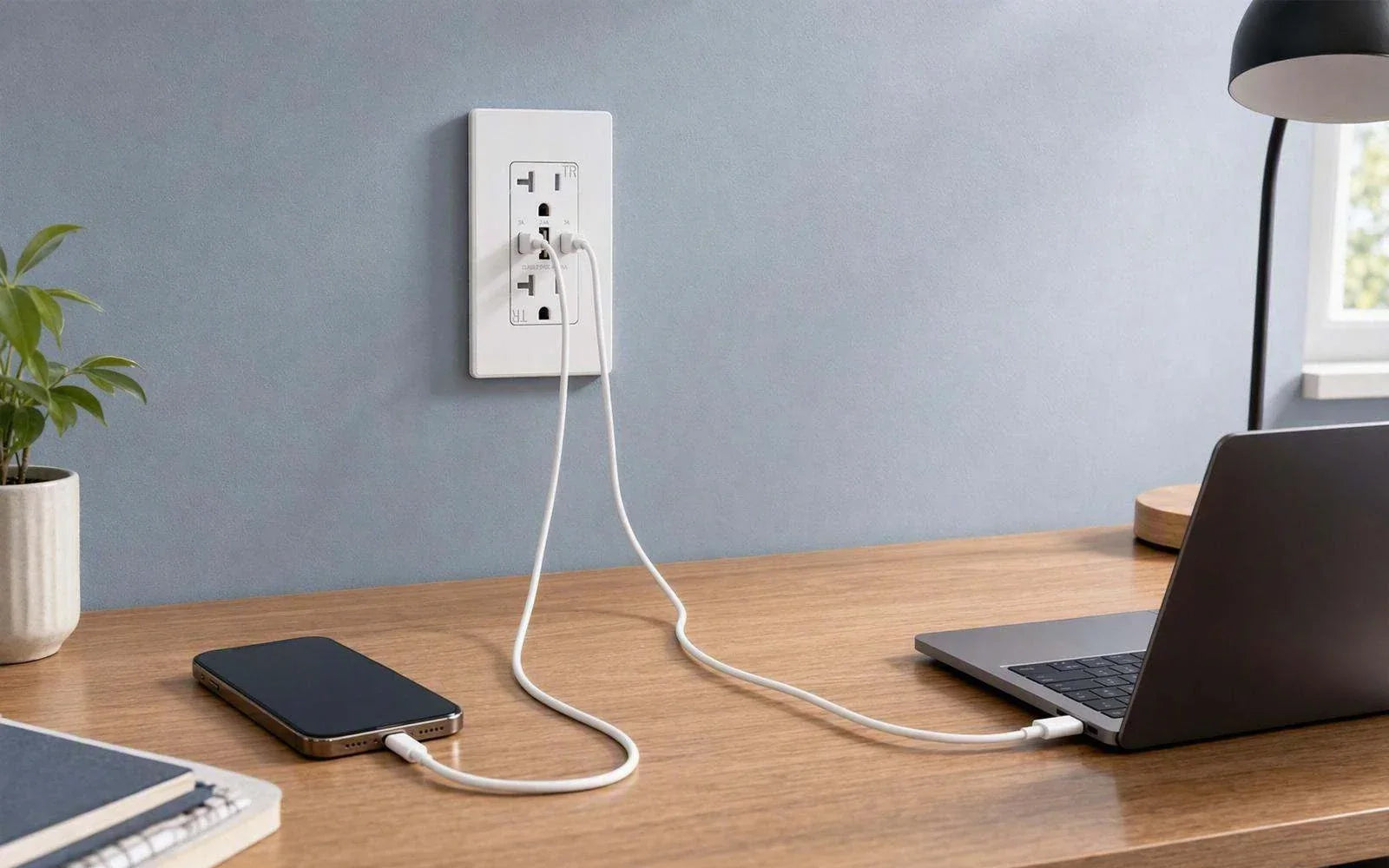
How Does a USB Wall Outlet Charge Phones Without a Charger Brick?

Quick answer
A USB wall outlet charges a phone without a separate charger brick because the outlet contains a compact AC-to-DC power supply. The electronics that normally sit inside the removable brick are built into the wiring device behind the wall plate. The AC receptacles still supply household line voltage, while the USB module supplies low-voltage DC through USB-A or USB-C ports.
Charging speed is determined by the lowest limit in the chain: the outlet's per-port output, the charging protocol supported by both devices, the phone's own input limit, the cable, and any power sharing between ports. A connector marked USB-C does not automatically support USB Power Delivery (USB PD), and a “65W total” label does not necessarily mean 65W is available from every port at the same time.
The key points:
- U.S. residential utilization voltage is nominally 120V; 125 VAC on the receptacle is its device rating, not a claim that the home continuously supplies 125V. [1]
- A basic USB-A charging port under USB Battery Charging 1.2 can supply up to 5V at 1.5A (7.5W), while compatible proprietary protocols can provide more. [4]
- USB-C first establishes attachment and available current. USB PD then allows the source and device to agree on a higher-voltage power profile when both support it. [2][3]
- Higher outlet wattage does not force extra power into a phone. The phone requests only a supported level.
- On a multi-port outlet, always read the simultaneous-output table rather than dividing the headline wattage by the number of ports.
On this page
What is inside a USB wall outlet?
A plain duplex receptacle is mainly an electromechanical device: its contacts accept two AC plugs, its terminals connect to the branch circuit, and its metal yoke secures it to the electrical box. A USB wall outlet keeps those AC functions but adds a compact power supply and charging controller inside the same body.
That integrated module is the reason the charger brick is no longer needed. It is also why a USB receptacle is generally deeper than a plain one and why its USB specifications matter in a way that ordinary AC slots do not.
| Feature | Plain duplex receptacle | USB wall outlet |
|---|---|---|
| AC plug-in positions | Usually two | Usually two |
| Built-in AC-to-DC conversion | No | Yes |
| USB output | None | USB-A, USB-C, or both |
| Charging protocol | Not applicable | Model-dependent: USB BC, USB PD, Quick Charge, or proprietary modes |
| Performance information to check | AC rating and configuration | AC rating, per-port USB profiles, combined output, protocols, and cable requirements |
| Physical fit | Standard device depth varies | Often deeper because of the electronics; verify box fit before purchase |
The wall plate is only the finished cover. The power conversion, USB ports, AC contacts, terminals, and mounting yoke are all part of the receptacle assembly behind it.
How the outlet converts AC to USB power
A phone battery cannot be connected directly to household AC. Inside a USB wall outlet, a switch-mode power supply typically performs several stages: it filters and rectifies the incoming AC, switches it at high frequency, transfers energy across an isolated conversion stage, and regulates the low-voltage DC output. A controller then presents the charging capabilities available at each USB port.
The exact circuit design varies by model, but the result is the same division of work:
| Part of the device | What it does |
|---|---|
| AC receptacle contacts | Continue supplying line-voltage AC to ordinary plugs |
| AC-to-DC power stage | Converts household AC into regulated low-voltage DC |
| Isolation and protection | Keeps the user-accessible USB side separated from line voltage and manages abnormal conditions |
| USB charging controller | Advertises supported current or power profiles and responds to a compatible device |
| Phone's charge controller | Decides what to request and manages battery temperature and charge taper |
The 120V versus 125V wording often causes confusion. ANSI C84.1 establishes nominal voltage ratings and operating tolerances for U.S. power systems; a residence is commonly described as 120V nominal. [1] A receptacle marked 125 VAC is rated for use on that system. The two numbers describe different things: nominal supply voltage and device rating.

What happens after you connect a phone
The outlet does not simply send its maximum wattage into every connected device. It begins with a safe USB supply condition, identifies what the connection supports, and only moves to a higher power level when the relevant protocol allows it.
USB-A: capability is signaled through the data pins
Under USB Battery Charging 1.2, a dedicated charging port can identify itself through the USB data pins and permit a compatible device to draw up to 1.5A at 5V, or 7.5W. [4] Other charging systems use their own signatures or negotiations, so a USB-A port can exceed 7.5W when both the port and the connected device support the same method.
For example, the published profiles for Elegrp's 30W USB-A/USB-C outlet list up to 27W from the USB-A port when used alone: 5V/3A, 9V/3A, or 12V/2.25A. [8] That is a model-specific fast-charging capability, not a universal USB-A guarantee.
USB-C: the connector and Power Delivery are separate layers
USB-C uses configuration-channel (CC) pins to detect attachment, cable orientation, and the current level advertised by the source. Without USB PD, a USB-C source may advertise Default USB Power, 1.5A, or 3A at 5V, depending on the implementation. [3]
When both ends support USB PD, the source publishes its available power profiles and the phone or laptop requests one. A voltage above the initial USB level is applied only after the request is accepted. USB PD 3.1 can extend far beyond phone charging, including higher Extended Power Range voltages, but an individual wall outlet supports only the profiles listed for that model. [2]
Elegrp's 65W dual-USB-C outlet, for example, publishes output profiles of 5V/3A, 9V/3A, 12V/3A, 15V/3A, and 20V/3.25A, with 65W as the stated maximum. [6] Those are the product's profiles; they should not be treated as a complete list of every voltage allowed by the wider USB PD specification.
| Question | USB-A | USB-C |
|---|---|---|
| How is attachment/capability detected? | Signals on the USB data pins | CC-pin detection and current advertisement |
| Is fast charging guaranteed by the connector? | No | No |
| Common basic voltage | 5V | 5V before any higher PD contract |
| Can compatible protocols use higher voltage? | Yes, with supported proprietary protocols such as Quick Charge | Yes, through USB PD when both ends agree |
| Best compatibility use | Older cables, accessories, earbuds, watches | Current phones, tablets, and compatible laptops |
Why charging speed varies
The usable charging power is limited by the weakest link in the connection:
- The outlet's active-port profile. Read the profile for the exact port and for the number of ports currently in use.
- The phone or laptop. A device requests only a voltage, current, and protocol it supports.
- The cable. A damaged or low-current cable can reduce performance. USB-C power above 3A requires an appropriate 5A electronically marked cable. [3]
- Protocol compatibility. Two products can both say “fast charging” yet fall back to a lower level if they do not share a protocol.
- Battery state and temperature. Charging normally tapers as the battery fills, and a warm device may reduce its requested power.
This is why a 65W outlet does not automatically charge every phone faster than a 30W outlet. If a phone accepts 20W under a protocol both outlets support, it will not take 30W or 65W simply because those values are available. Conversely, some phones and laptops can use more than 30W, so there is no universal wattage at which “the phone is always the bottleneck.” Check the device manufacturer's charging specification.
Exact charge-time promises are also unreliable without naming the phone, battery state, temperature, cable, protocol, and test method. Wattage is useful for comparing capability; it is not a stopwatch.
How to read total and per-port output
A headline such as 30W, 42W, or 65W can mean a maximum from one preferred port, a total shared by all USB ports, or both under different conditions. The simultaneous-output row is therefore more useful than the number on the front of the box.
The following examples show why model-level specifications matter:
| Elegrp configuration | One-port information published by Elegrp | Multiple ports in use | What to learn from it |
|---|---|---|---|
| 65W dual USB-C | Up to 65W, including 20V/3.25A [6] | The public product page identifies 65W total; confirm the simultaneous split in the selected model's current instructions or output table | Do not assume each port supplies 65W, or that the total divides equally |
| 30W dual USB-C | Either USB-C port lists up to 30W when used alone [7] | With both ports active, the published table lists 5V/3A on each port (15W + 15W) | Connector count stays the same while each port's available profile changes |
| 30W USB-A/USB-C | USB-C up to 30W; USB-A up to 27W when used alone [8] | Published combined mode: USB-C at 5V/3A and USB-A at 5V/2.4A (15W + 12W) | A mixed-port outlet can support strong single-port modes but use lower profiles together |
| 42W four-port USB-C/USB-A | Product page lists USB-C up to 30W and USB-A up to 12W, with 42W total [9] | Check the current output table for the exact combination of occupied ports | More ports improve access, but not every connected device receives the headline total |
Specifications can change by model, revision, or market. Use the label, instructions, and current product page for the exact device being purchased rather than applying one table to every USB outlet.

Safety listings, heat, and installation limits
A USB wall outlet combines a line-voltage receptacle with an integral low-voltage power supply. UL Solutions specifically includes “receptacles with integral power supply with Class 2 output connectors” within its receptacle evaluation expertise and identifies UL 498 among the U.S. standards used for receptacle evaluations. [5]
Do not infer the complete certification path from a marketing phrase alone. The standards applied can depend on the construction and certification record. Verify the UL, cUL, ETL, or other recognized mark on the exact model and consult its listing information and installation instructions. The current Elegrp product pages cited here state UL and cUL listing for the referenced models. [6][7][8]
Some warmth during high-power charging can be normal because conversion is not perfectly efficient. Stop using the device and have it evaluated by a qualified person if it becomes unusually hot, remains hot with no load, smells of hot plastic, shows discoloration, makes noise, or no longer grips an AC plug securely.
Other safety terms describe separate features:
- Tamper-resistant (TR) refers to shutters at the AC slots.
- GFCI protection is a different function and is not implied by USB ports or TR shutters.
- 15A versus 20A and NEMA 5-15R versus 5-20R concern the AC receptacle and branch-circuit application, not USB charging speed.
- Box depth and conductor space matter because an integrated USB outlet is often deeper than a plain receptacle.
This article does not provide installation instructions. Replacing a wiring device involves line voltage, box-fill and grounding considerations, locally adopted electrical rules, and model-specific instructions. Use a qualified electrician where required or whenever you are not trained and authorized to perform the work.
How to choose the right USB wall outlet
Start with what you actually charge, then verify how the outlet behaves under that load.
| Use case | Practical starting point | What to verify |
|---|---|---|
| Earbuds, watch, e-reader, older phone | USB-A or 5V USB-C | Cable compatibility and per-port current |
| Current smartphone | USB-C with a named PD profile, commonly 20W–30W class | The phone's supported protocol and the outlet's one-port profile |
| Two phones at once | Dual USB-C with a published simultaneous-output table | Output on each port when both are occupied |
| Mixed old and new cables | USB-A/USB-C combination | Each port's solo and combined profiles |
| Several household devices | Multi-port USB-A/USB-C model | Total output and every occupied-port combination you expect to use |
| USB-C laptop | A 45W–65W USB-C PD class may be appropriate | Laptop requirement, 20V support, 5A cable when needed, and whether another occupied port reduces output |
Before buying, check these items in order:
- Port type and protocol: USB-C alone does not prove USB PD support.
- Per-port output with one device connected.
- Per-port output with all intended ports connected.
- Your device's accepted voltage, wattage, and protocol.
- Cable rating, especially above 3A.
- AC receptacle rating, NEMA configuration, and compatibility with the existing circuit.
- Product dimensions and available electrical-box space.
- Listing/certification, included wall plate, and warranty.
For reference, Elegrp's current range includes dual-USB-C models up to 65W, mixed USB-A/USB-C models, and four-port configurations. [6][8][9] The right choice is the smallest verified output class that covers the devices and simultaneous-use pattern in that location.
Frequently asked questions
Does a USB wall outlet charge as fast as a charger brick?
It can. If the wall outlet and brick offer the same compatible protocol and power profile, and the same phone and cable are used, their charging capability can be similar. A USB-C connector without PD, or a port whose simultaneous-use profile is lower, may charge more slowly.
Will a 65W USB outlet send 65W into my phone?
No. The phone requests a supported level, and the source supplies an agreed profile. A phone that accepts less than 65W will draw less. The unused capacity can still be useful for a tablet, a compatible laptop, or another device, subject to the outlet's sharing rules.
Can two USB ports charge at the same time?
Yes, on a model designed for simultaneous use. The important number is each port's output in that condition. For example, Elegrp's 30W dual-USB-C model publishes up to 30W from either port alone and 15W per port when both are occupied. [7] Other models can use different splits.
Is USB-C always faster than USB-A?
No. USB-C describes the connector, not the complete charging capability. A 5V-only USB-C port can be slower than a USB-A port using a compatible higher-power protocol. USB-C becomes especially useful when both ends support USB PD and an appropriate cable is used.
Can a USB wall outlet charge a laptop?
Some can. The laptop must accept charging over USB-C, and the outlet must support a suitable voltage and wattage. Elegrp's 65W model publishes a 20V/3.25A maximum profile, but the laptop requirement, cable rating, and multi-port behavior still need to match. [6]
Do the AC receptacles work while the USB ports are charging?
They are designed to remain available, subject to the device's ratings and the capacity of the shared branch circuit. USB output is small compared with many AC appliances, but every load on the circuit still counts. Follow the product instructions and applicable electrical requirements.
Do USB wall outlets use power when nothing is connected?
The charging controller requires some standby power, so consumption is not exactly zero. The amount is model-specific. Use a published no-load figure or certification data for the exact model rather than assuming a generic value.
Is it normal for the outlet to feel warm?
Mild warmth can occur during sustained charging. Unusual heat, odor, discoloration, noise, loose AC contacts, or warmth that persists with nothing connected is not something to ignore; stop using the outlet and have it checked by a qualified person.
Bottom line
A USB wall outlet eliminates the separate charger brick by moving AC-to-DC conversion and charging control into the receptacle body. It does not bypass the normal charging rules: the outlet advertises capability, the connected device selects a supported level, the cable carries it, and the battery controller adjusts power as charging progresses.
For a reliable purchase, look past the largest wattage on the page. Verify the named protocol, one-port output, simultaneous-output table, device limit, cable requirement, safety listing, and physical fit. Those details—not the connector shape alone—determine whether the outlet will charge your phone, tablet, or laptop as expected.
References
- ANSI/NEMA C84.1-2020 (R2025), Electric Power Systems and Equipment — Voltage Ratings (60 Hz)
- USB Implementers Forum — USB Charger (USB Power Delivery)
- USB Implementers Forum — USB Type-C Cable and Connector Specification
- USB Implementers Forum — Battery Charging Specification, Revision 1.2
- UL Solutions — Attachment Plug and Receptacle Safety Evaluations
- Elegrp 65W Dual USB-C Fast-Charging Wall Outlet — official product specifications
- Elegrp 30W Dual USB-C Wall Outlet — official product specifications
- Elegrp 30W USB-A/USB-C Wall Outlet — official product specifications
- Elegrp 42W Four-Port USB Wall Outlet — official product specifications


