

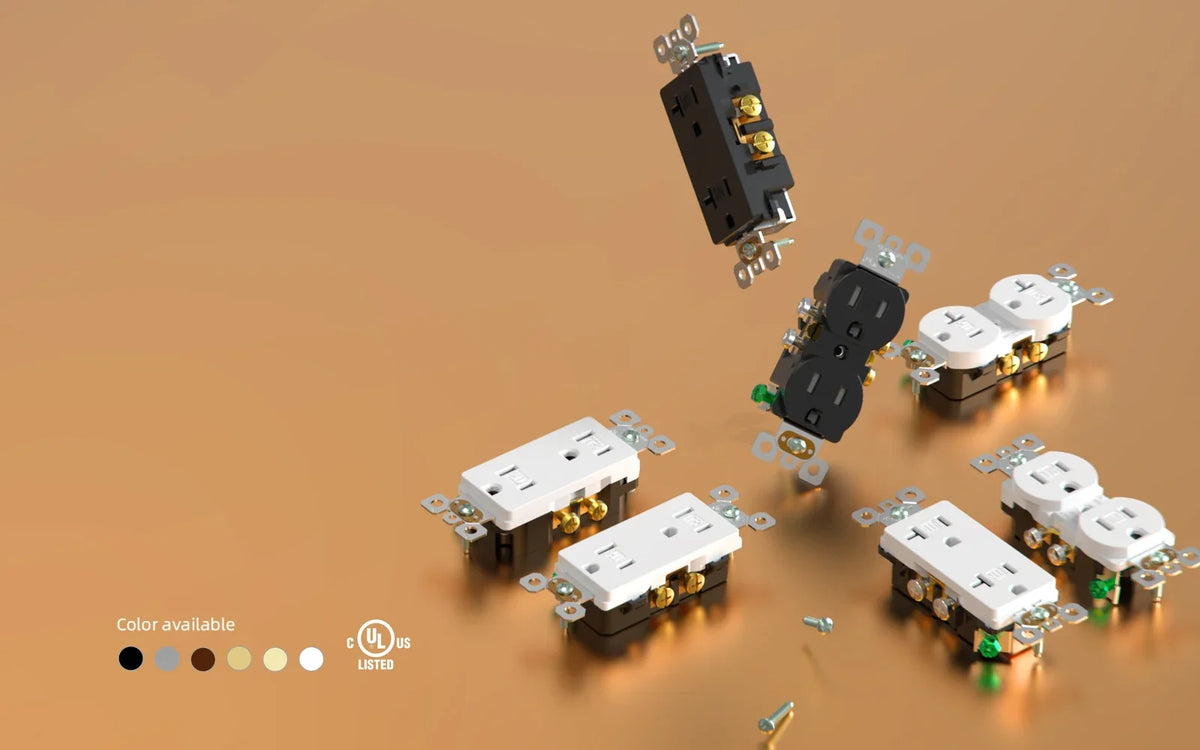
Basic, USB, or GFCI Outlets: Matching Features to Each Location

Quick answer
Choose an outlet by matching its functions to the location rather than by counting features. Start with the GFCI protection required under the locally adopted electrical code; a public adoption of NEC 210.8(A) illustrates the location-based approach, but the rules in the installation's jurisdiction control.[1] GFCI protection may come from a receptacle or a circuit breaker.[2] Built-in USB is useful where compatible devices charge repeatedly, while a standard receptacle remains a complete choice where required protection is already supplied and direct USB charging adds little.
The key points:
- Establish the location's protection requirements before comparing convenience features.
- Confirm whether existing GFCI protection comes from a breaker or from a receptacle, including any downstream devices correctly connected to the receptacle's LOAD terminals.[2]
- For a USB outlet, compare the connector, supported charging protocol, single-port output, combined output, and simultaneous-use behavior.[3][4]
- Pay for a combined feature set only when the location will use each function.
What each outlet feature adds
In everyday U.S. shopping language, electrical outlet, power outlet, wall outlet, and receptacle are often used for the wall-mounted connection that accepts a plug. This guide uses receptacle for the device and outlet when discussing the broader product category. For a fuller terminology guide, see Electrical Outlet vs. Receptacle: What's the Difference?
Here, a standard or basic outlet means a duplex receptacle without built-in USB charging or face-mounted GFCI controls. USB charging and GFCI protection are added functions, not automatic value tiers.
| Choice | Function at the device | When it creates practical value | What to verify |
|---|---|---|---|
| Standard receptacle | Plug-in AC connections | The location has no recurring need for built-in charging, and required protection is already addressed | Circuit rating, location suitability, and installation fit |
| USB receptacle | AC connections plus low-voltage charging | Phones, tablets, or compatible laptops charge there regularly | Connector type, Power Delivery support, single-port output, combined output, and shared-use behavior |
| GFCI receptacle | AC connections plus ground-fault interruption and local Test/Reset controls | The location requires GFCI protection and local access to the controls fits the circuit design | Locally adopted requirements and any existing GFCI arrangement |
Visible feature count is a weak measure of value. GFCI protection may be built into a receptacle or provided by a GFCI circuit breaker.[2] A combination product can place GFCI protection and USB ports in the same receptacle.[5] The useful comparison is whether the location needs each function.

Required protection comes first
GFCI protection has safety value wherever the applicable electrical requirements call for it. A publicly readable South Carolina adoption of NEC 210.8(A), for example, shows the location-based structure by naming dwelling-unit locations that require GFCI protection.[1] The locally adopted code and the authority having jurisdiction determine the requirements for a specific installation.
GFCI protection also comes in different device forms. The IAEI-hosted UL Question Corner identifies both GFCI receptacles and GFCI circuit breakers. It also describes protection for downstream devices that are correctly connected to a GFCI receptacle's LOAD terminals under UL 943.[2] Visible Test/Reset controls identify a receptacle-based arrangement, not the only possible arrangement. Confirm the existing circuit design before treating another face-mounted GFCI as an added benefit.
For a room-by-room explanation, see Where Are GFCI Outlets Required in a Home?
USB earns its place through repeated use
A USB outlet earns practical value when charging happens at that location often enough to make the built-in power supply useful. Connector shape alone does not establish charging capability. With USB Power Delivery, the USB source offers supported power options and the connected device requests one; the resulting profile must be supported by the source, device, and cable.[3] A USB-C receptacle therefore still needs published protocol and output specifications.
Check three output details together:
- Single-port maximum: the power one port can provide when used alone.
- Combined maximum: the total power available across all USB ports.
- Simultaneous allocation: the power available from each port when several devices are connected.
Wirecutter's testing illustrates the difference. One tested dual-USB-C receptacle delivered up to 30W from either port used alone and 30W total with both ports occupied. A higher-output model delivered up to 60W from one port and divided the available power when both ports were used.[4] Those results apply to the tested models; the comparison method applies to any USB outlet.
At a desk or bedside where compatible devices charge every day, suitable built-in USB output can free an AC connection and reduce adapter use. In a location with no recurring charging routine, the same electronics add unused capability. The AC-to-DC mechanism is covered in How Does a USB Wall Outlet Charge Phones Without a Charger Brick?, and wattage selection is covered in Understanding USB-C Outlet Charging Power.

Three questions reveal the right feature set
Use the questions in this order:
- What protection does the location require? Establish the locally applicable GFCI requirement and identify where that protection is provided.
- What will people repeatedly do at this outlet? Built-in USB creates value when actual charging habits match its ports, protocol, and output.
- Which functions are already supplied? Existing GFCI protection or a charging setup may already solve the need, while local controls or built-in charging may improve daily use.
The answers can point to a combined USB/GFCI device, a USB receptacle where protection is already provided, a GFCI receptacle without charging, or a standard receptacle. Each can be the right choice because each serves a different combination of required and recurring functions.
A combined device is most relevant when both functions are needed at the same point. ELEGRP offers a GFCI receptacle with dual USB-C ports, allowing local Test/Reset access and direct charging in one device.[5] That availability does not make the combination the default: the location should still pass both the protection and recurring-use tests.
After choosing the functions, confirm that the device matches the circuit, location, and available box space. Before line-voltage work, switch off the circuit breaker and use an appropriate tester to confirm the conductors are not energized. ESFI recommends a qualified, licensed electrician for home electrical work; local codes and permit rules also control what work a homeowner may perform.[6]
Which outlet should you choose for each room?
Use these recommendations as a practical starting point, not a substitute for locally adopted electrical requirements. GFCI protection may already be supplied upstream by a circuit breaker or a receptacle with downstream devices correctly connected to its LOAD terminals, while built-in USB remains a convenience choice.[1][2]
| Location | Recommended outlet |
|---|---|
| Kitchen counter | GFCI + USB outlet |
| Bathroom | GFCI outlet |
| Bedroom | USB-C outlet |
| Home office | USB-C outlet |
| Garage | GFCI outlet |
| Outdoor | Weather-resistant GFCI |
For a kitchen counter, the USB ports are optional convenience features; establish the required protection first. For every row, confirm the exact location, circuit, existing upstream protection, and locally adopted requirements before selecting the receptacle.
Frequently asked questions
Is a USB outlet still useful if a charger brick provides more power?
It can be. Built-in USB adds convenience when its protocol and output cover the devices used at that location. A higher-power brick remains useful for equipment that exceeds the USB port's single-port or shared-output limit. Compare the daily benefit of freeing an AC connection with the published output behavior.[3][4]
Does upstream GFCI protection remove the value of local Test and Reset controls?
A GFCI receptacle can protect downstream devices correctly connected to its LOAD terminals, and a GFCI breaker can provide circuit-level protection.[2] Local Test and Reset controls change where testing and resetting occur. They add practical value when access at that receptacle fits the circuit layout and maintenance routine. Confirm the existing protection arrangement before selecting the device.
Is a combined USB/GFCI receptacle always better than separate functions?
No. Combination products put both functions in one device, but that does not prove the combination is best for every location.[5] Compare where GFCI protection is already provided with the charging protocol and shared output the devices require. If either added function would go unused, combining them adds hardware without adding practical value.
The bottom line
Start with required protection, then compare recurring charging habits and functions already supplied elsewhere on the circuit. A standard receptacle, USB outlet, GFCI receptacle, or combined device can each be the right choice. The best match is the one whose documented functions solve an actual requirement or repeated task at that location.
References
- S.C. Code Regs. § 8-1103 — NEC Article 210.8(A), Dwelling Units. A publicly readable example of an adopted dwelling-unit GFCI location rule. Cornell Legal Information Institute — law.cornell.edu
- UL Question Corner — Self-testing GFCI Requirements. Identifies GFCI receptacles and circuit breakers and describes downstream protection through correctly connected LOAD terminals under UL 943. IAEI Magazine, published October 22, 2015 — iaeimagazine.org
- USB Charger (USB Power Delivery). USB Implementers Forum explanation of USB PD negotiation and device-requested power profiles — usb.org
- The Best Wall Outlets With USB Charging Ports. Independent testing of single-port and shared output for specific receptacles. Wirecutter — nytimes.com/wirecutter
- GFCI Outlet with USB Type C/C Ports. ELEGRP product page documenting GFCI protection and dual USB-C ports in one receptacle — store.elegrp.com
- Do-It-Yourself (DIY) Electrical Safety. Electrical Safety Foundation International guidance on switching off the breaker, testing before touching conductors, and using a qualified electrician — esfi.org


